
FY 2026–27
📖 How this works
Your guide to the dashboard, tool by tool
A call only counts once you tap how it went: Ring on its own just opens your phone. Skip and Copy aren’t logged. The Fill’s WhatsApp button is (it counts, and becomes a JobAdder note).
For everyone. Who to ring today is for Ollie, Marlee, Joe, Michael and Tom. Both sit at the top of your Today page.
Who to ring first, then your three to five things for the day, each one tap away.
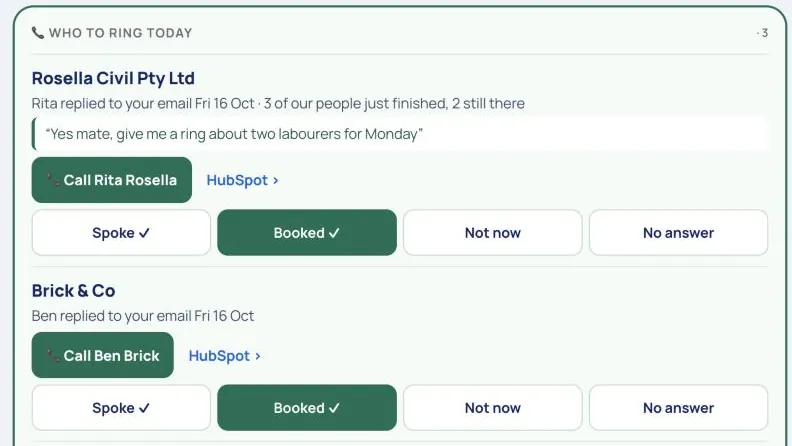
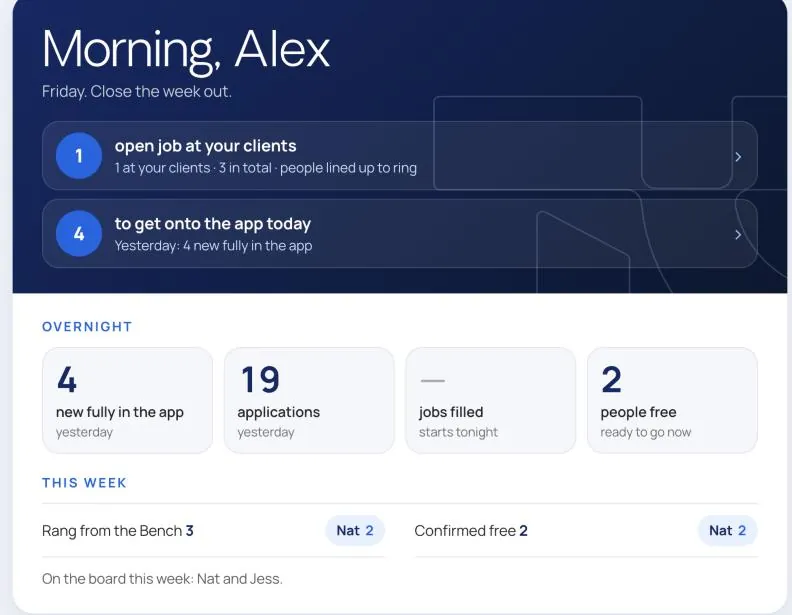
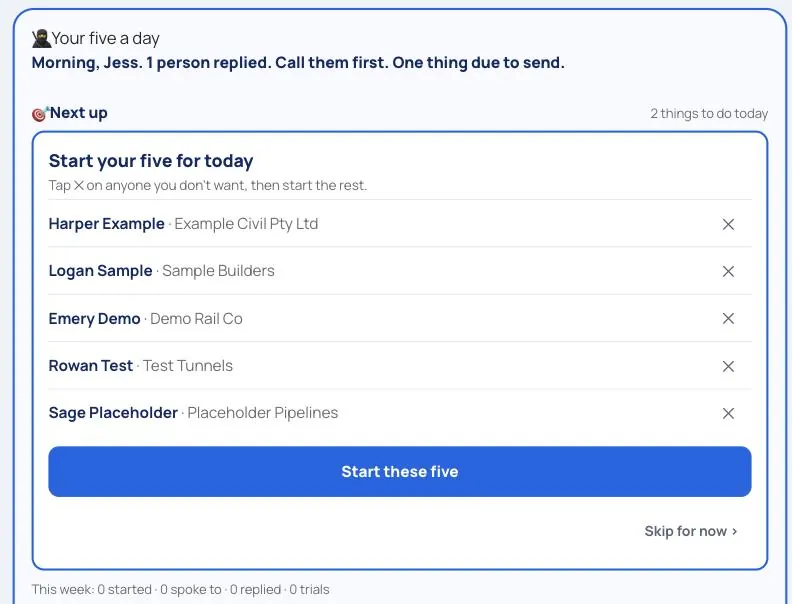
For Ollie, Marlee, Joe, Michael and Tom. 🧰 Tools → 🥷 Sales Ninja, and a line on your Today page.
Five new people a day, the words to reach them, and the next job, one at a time.
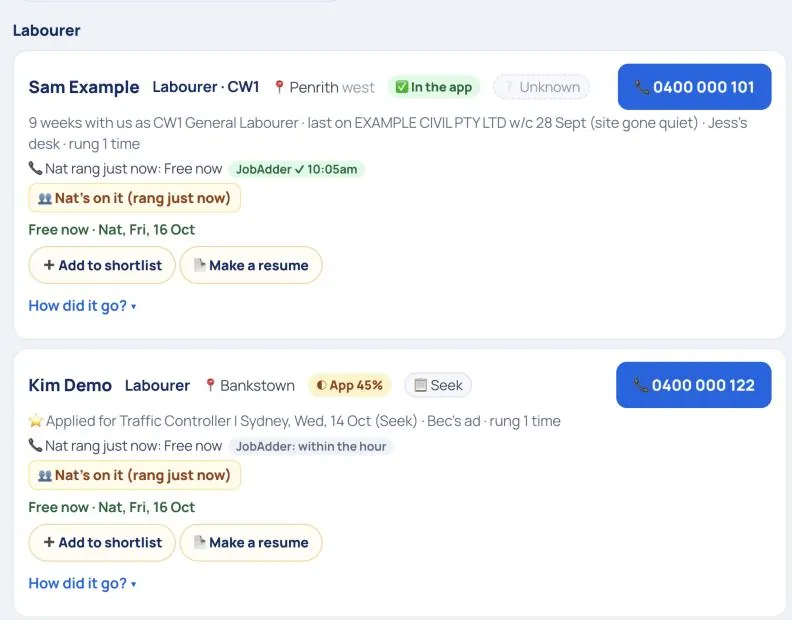
For Ollie, Marlee, Joe, Michael, Tom, Nikki, Frances and Nuala. 🧰 Tools → 🪑 The Bench.
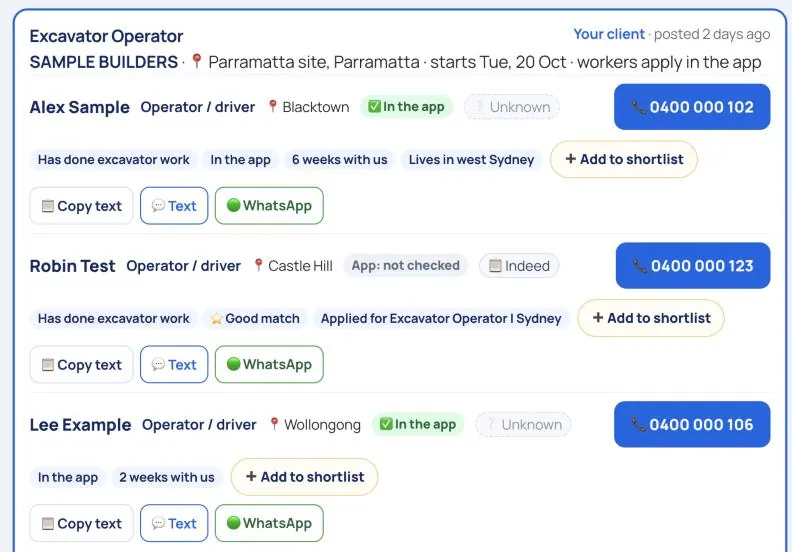
The Bench: people who have worked for us and had no shift for two weeks, new faces who applied in the last 30 days, and who is free now. The Fill: every open Worker app job with five people lined up, free people first.
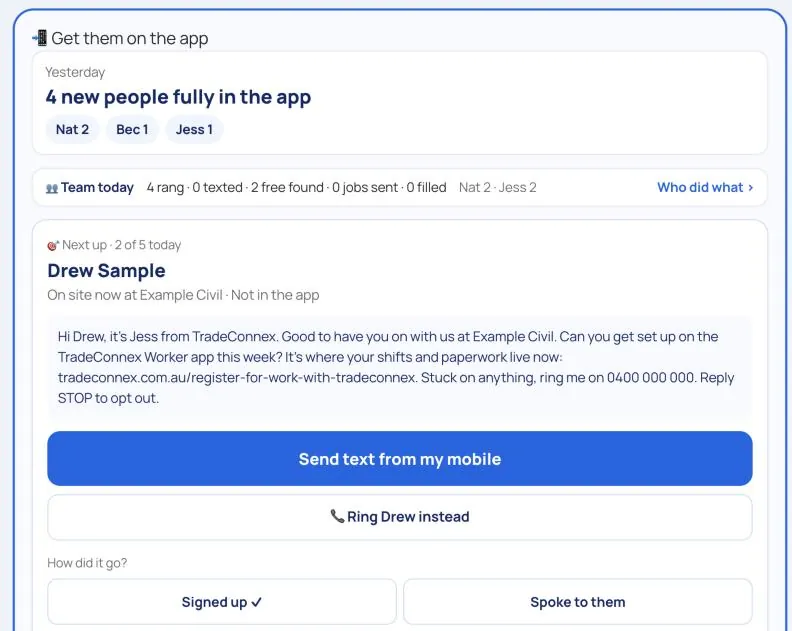
For Ollie, Marlee, Joe, Michael, Tom, Nikki and Frances. 🧰 Tools → 📲 App chase-up, and a line on Good morning.
Who to get onto the TradeConnex Worker app today: one person at a time, ten a day.
What counts: people who end up fully active in the app, checked overnight against the Worker app.
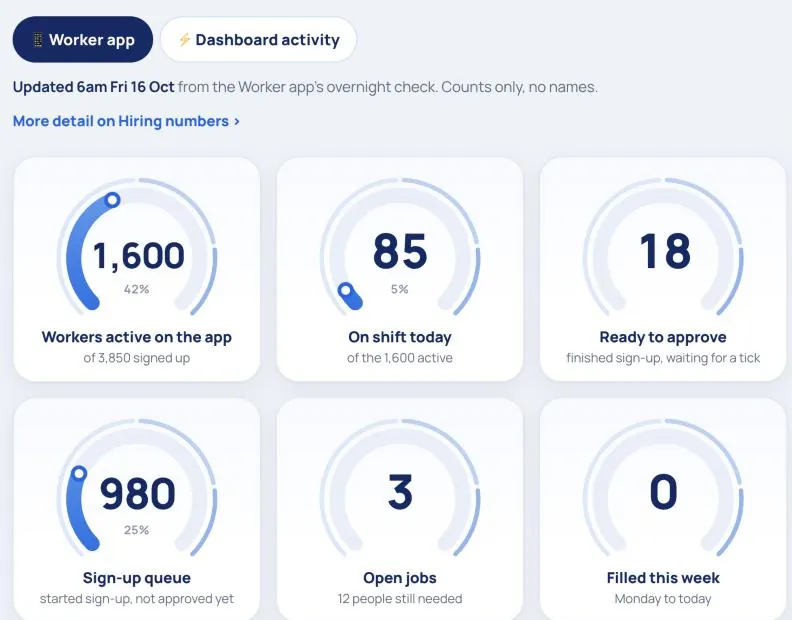
For everyone. 📊 Dials on the bar along the top.
The Worker app and the team’s work on the dashboard as big gauges. Read-only.
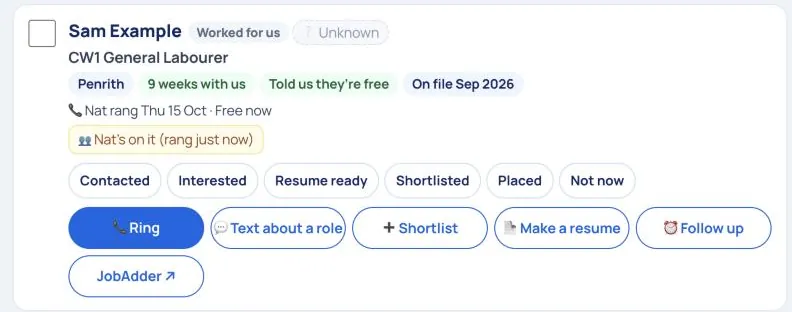
For Ollie, Marlee, Joe, Michael, Tom, Nikki, Frances and Nuala. 🧰 Tools → 🔎 Find people.
One search over everyone we hold (JobAdder, the Bench, new faces and info@ resumes), and the best ten for every open role.
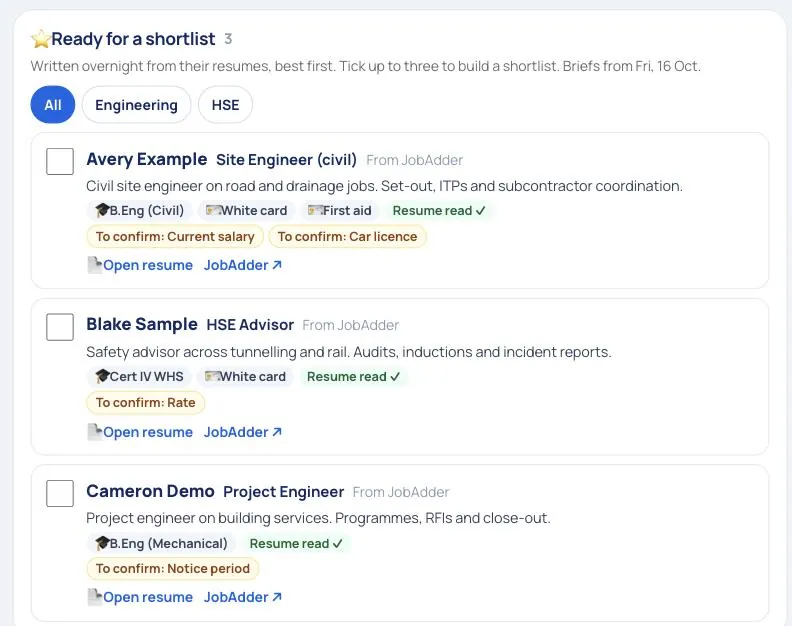
For Michael’s desk and anyone building a shortlist. 🧰 Tools → 💼 White Collar. White collar roles can be temp, contract or permanent.
Engineers, QA/QC, project managers and safety people, with a brief on each written overnight from their resume.
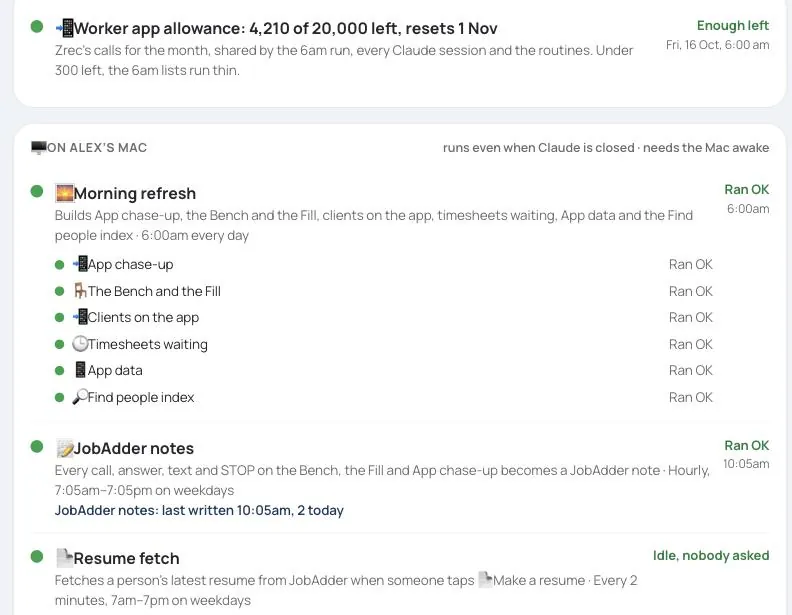
For Ollie, Marlee and Nuala. 🧰 Tools → ⚙️ Automations.
Is everything running today? Each background job, with a light.
Every Monday morning, before the huddle:
That’s it. Your numbers flow straight onto the team board and the huddle screen — no spreadsheet, no email.
🔒 Heads up: until last week is finished, your Today page keeps Who to ring today (if you have it) and a short Good morning at the top, then a close-out card: last week’s numbers in, each goal’s status set, and every day filled in. The card walks you through it; the rest of your page comes back the moment you’re done.
Each thing you do earns points. Add them up and that’s your weekly score (we call it your HAI — High Achievement Index). The target is 100 a week — that’s the company-wide consistency bar everyone aims to clear, every week.
Your role’s “full week” (every KPI hit) is actually worth more than 100 — different roles add up differently, so we also show “% of a perfect week” next to your score as your personal stretch measure (a perfect week = every one of your KPIs at target). Think of it this way: 100 = steady and reliable; your perfect-week % = going above and beyond.
Your KPIs and points are set for your role — placements, BD calls, site visits, content, and so on. Do the high-value things and the points look after themselves.
At the start of each quarter, pick your 3–5 most important priorities (your TOPs). Give each a clear target and link it to a company goal. They show on your page and the board all quarter so you stay focused on what matters.
The board is a live scoreboard — a row per person, a column per week, coloured by score. It also shows the week’s wins, birthdays and anniversaries coming up, and shout-outs. Tap any name to open their full page.
Leaders have extra private pages — 🔐 Management and 🤝 Coaching — unlocked automatically by their Microsoft sign-in.
Spotted a wrong number, a confusing button, or an idea for a new card? The dashboard is ours — the team improves it every week.
Quickest way: tell Nuala, Marlee or Ollie what you’d like, in a sentence. Say which page, what you see, and what you wish it did.
If you have edit access (Nuala, Marlee, Darragh, Tom, Nikki, Frances), you can make the change yourself with Claude:
Something looks wrong after a change went live? Tell Ollie straight away — it can be put back in one step.
Dates are planning days for each quarter (a few are still tentative — your facilitator will confirm).